How We Choose YouTube Creators for Kids
“My seven-year-old loves watching Minecraft. Who is safe to watch?” Our first question is the same one we ask about games: Would we feel comfortable with this for our own kids? Before we rate a creator’s style, we look at suitability.
That includes language, values, and conduct. What does the creator model? How do they treat other people? What is the humor built around? Clean language matters, but it is only part of what we want a child to spend time with.
We want the creators we share on Coplay to be a great starting point for parents. Our notes and age suggestions help you choose where to begin; they are not a guarantee about every upload, livestream, recommendation, or ad a child might encounter.
Suitability first, then the extra nuance
Two creators can both clear our suitability bar and still offer very different experiences. One might quietly explain a build. Another might fill a video with jokes and energetic challenges. Both could be a fit, but perhaps for different children or different moments.
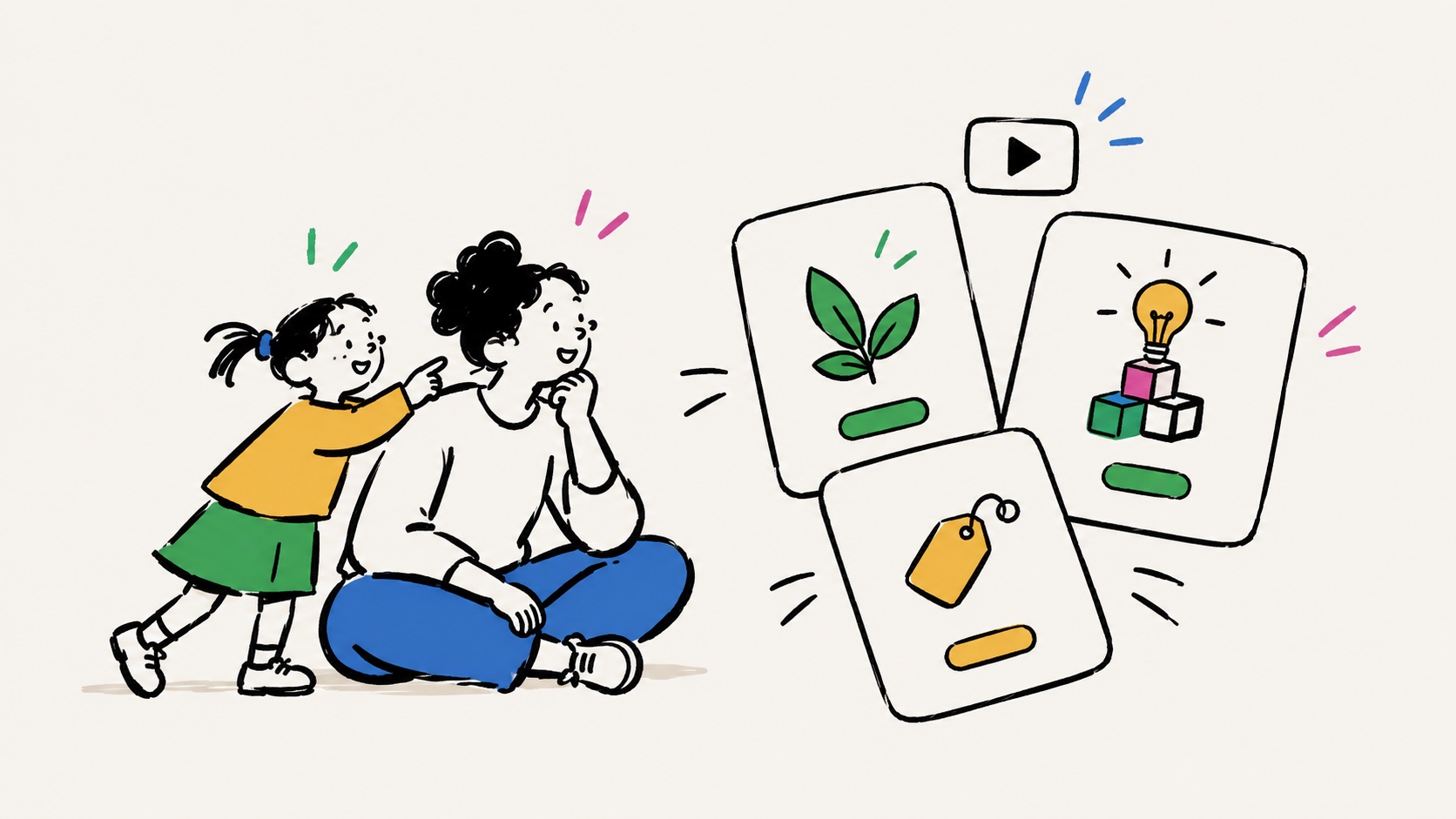
That is what the Coplay Creator Filters describe: Calm Test, Play Spark, and Sell Pressure. Click any rating pill or its info icon on the creator list to open the explanations. The printable list includes the same definitions.
Calm Test: what is the energy like while watching?
We look at pacing, voices, and editing: how much room does a video give your kid to follow along?
- Calm: Unhurried narration, gentle editing, and room to follow the build.
- Lively: Jokes, pranks, and a quicker pace, with breaks between the excitement.
- Hyper: Frequent shouting, rapid cuts, or constant high-energy reactions.
This describes the video’s style, not a prediction of how your child will feel afterward. Try a video together and notice whether the pace feels comfortable for them. Some kids enjoy lively humor; others prefer time to understand what someone is making.
Play Spark: does watching turn into making?
We look for ideas a kid can take into their own game: a build to try, a skill to practice, or a story to invent.
- High: Builds, tutorials, or ideas that invite your kid to try something themselves.
- Some: A mix of inspiration and entertainment, with occasional ideas to borrow.
- Low: Mostly a show to keep watching, with fewer invitations to create or play.
Entertainment can be enjoyable in its own right. We give extra weight to videos that help watching become playing because that is something we value for our family. Ask, “Is there something from that video you’d like to build together?”
Sell Pressure: how much does the content push buying?
This is our monetization filter. We look at selling inside the videos: merch, marketplace packs, sponsorships, and money-driven challenges. YouTube’s own ads are separate.
- None: Selling is absent or minimal in the videos we reviewed.
- Light: Occasional promotions or merch mentions; the video still centers on play.
- Heavy: Frequent sales pitches, spending challenges, or buying as the main attraction.
Creators can earn money and make worthwhile work. The question for us is how much buying takes over the viewing experience. Talk about what the creator is selling and whether you need it to enjoy playing. “None” does not mean the channel has no business or that YouTube will show no ads.
What the Coplay Score adds
Each filter earns 1–3 points, with higher scores for calmer watching, more play, and less selling. A Coplay Favorite earns one extra point, for up to 10.
The score makes the list easier to scan. It expresses our preferences, not a scientific safety measurement. Read the individual filters and the “why they pass” notes before choosing; a lower-scoring creator may still be a better match for your child’s interests.
Our family makes exceptions too
There are YouTube creators we allow our kids to watch after more serious vetting, even when we would not offer them as a broad starting recommendation. A choice we can support with extra attention at home is different from one we feel comfortable sharing with another parent without all that context.
You may make similar decisions. Preview the specific videos you plan to watch, start together, and revisit your choices as your child and the creator’s content change. A recommendation can be useful without being permanent or universal.
For a Minecraft-loving seven-year-old, start with the age suggestions and interests in our Minecraft Creator List, then use the three filters to choose a video to try together. If you are choosing a game to play instead, read how we filter the Game Library.